# rpiv-web-tools
[](https://www.npmjs.com/package/@juicesharp/rpiv-web-tools)
[](https://opensource.org/licenses/MIT)
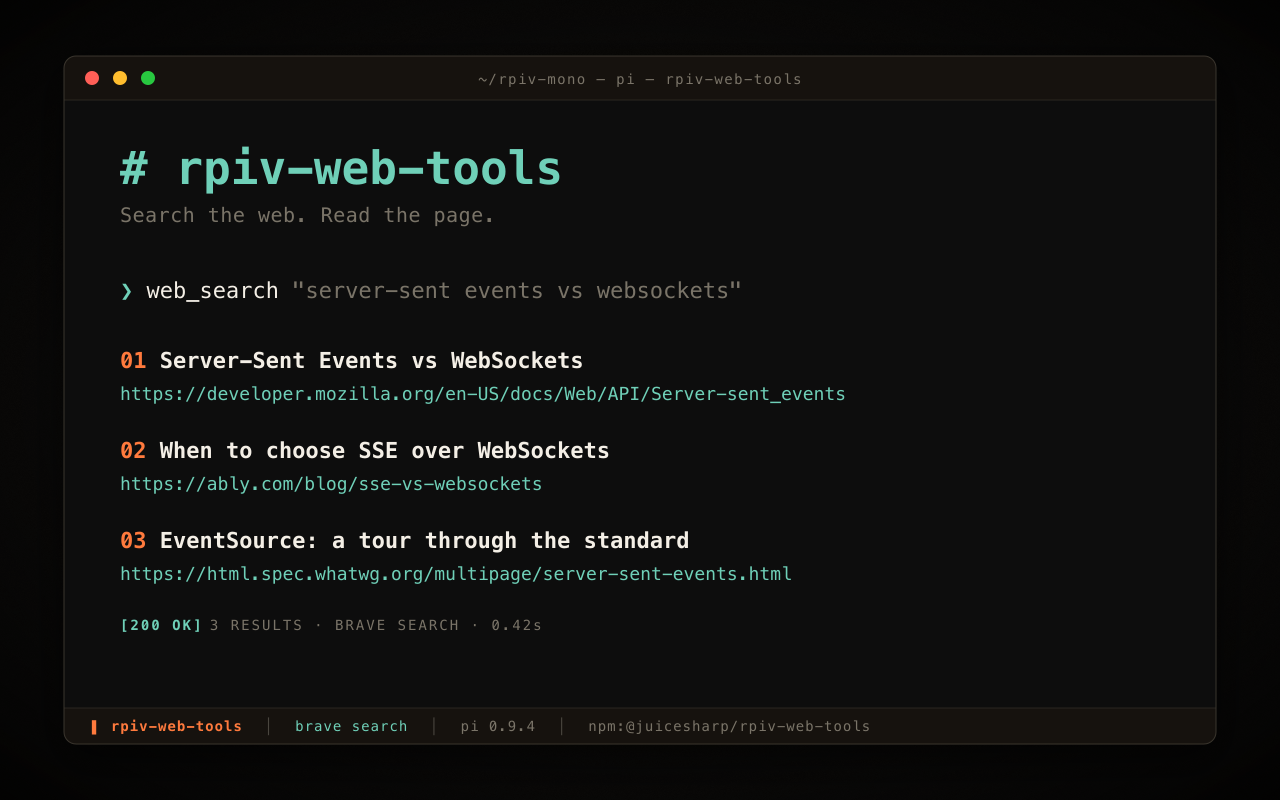
Let the model search the web and read pages. `rpiv-web-tools` adds `web_search` and `web_fetch` tools to [Pi Agent](https://github.com/badlogic/pi-mono), backed by the Brave Search API, plus `/web-search-config` for interactive API-key setup.
## Features
- **Brave-backed search** - 1–10 ranked results per query with title and snippet.
- **Read any URL** - fetch http/https pages, strip HTML to text, or get the raw HTML with `raw: true`.
- **Large-page spillover** - oversized responses truncate inline and spill the full body to a temp file the model can read on demand.
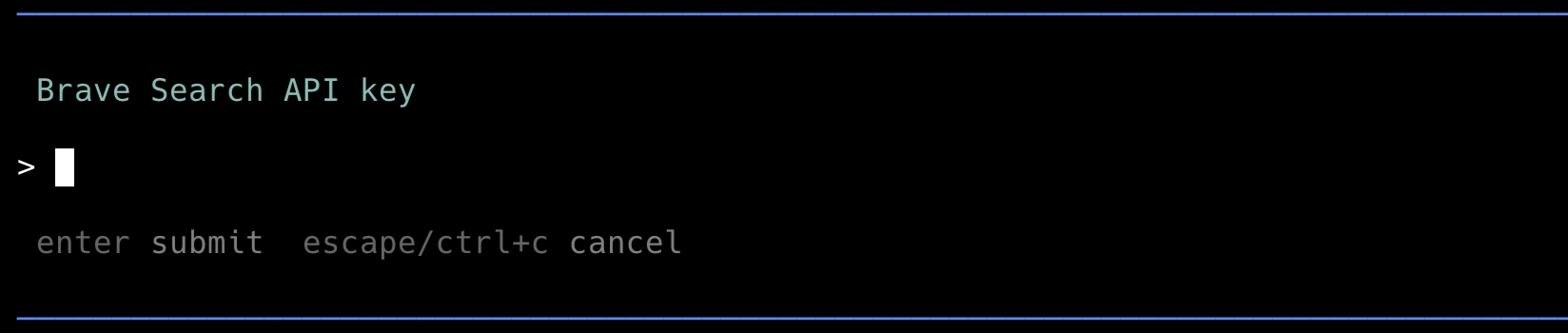
- **Interactive setup** - `/web-search-config` writes the key to `~/.config/rpiv-web-tools/config.json` (chmod 0600); env var `BRAVE_SEARCH_API_KEY` also works.
## Install
```bash
pi install npm:@juicesharp/rpiv-web-tools
```
Then restart your Pi session.
## Tools
- **`web_search`** - query the Brave Search API and return titled snippets.
1–10 results per call.
- **`web_fetch`** - fetch an http/https URL, strip HTML to text (or return raw
HTML with `raw: true`), truncate large responses with a temp-file spill for
the full content.
### Schema - `web_search`
```ts
web_search({
query: string, // natural-language query
max_results?: number, // 1-10, default 5
})
```
Returns:
```ts
{
content: [{ type: "text", text: string }], // markdown list of "**title**\n url\n snippet"
details: {
query: string,
backend: "brave",
resultCount: number,
results?: Array<{ title: string, url: string, snippet: string }>,
}
}
```
Throws when `BRAVE_SEARCH_API_KEY` is unset or the Brave API returns a non-2xx response.
### Schema - `web_fetch`
```ts
web_fetch({
url: string, // http or https only
raw?: boolean, // true → return raw HTML; default false → strip to text
})
```
Returns:
```ts
{
content: [{ type: "text", text: string }], // header (URL/title/content-type) + body
details: {
url: string,
title?: string, // element, if present (HTML, non-raw)
contentType?: string,
contentLength?: number, // from Content-Length header
truncation?: TruncationResult, // present when body exceeded inline limits
fullOutputPath?: string, // temp-file path containing the un-truncated body
}
}
```
Throws on invalid URL, non-http(s) protocol, non-2xx response, or `image/` / `video/` / `audio/` content types.
## Commands
- **`/web-search-config`** - set the Brave API key interactively. Writes to
`~/.config/rpiv-web-tools/config.json` (chmod 0600). Pass `--show` to see
the current (masked) key and env var status.
## API key resolution
First match wins:
1. `BRAVE_SEARCH_API_KEY` environment variable
2. `apiKey` field in `~/.config/rpiv-web-tools/config.json`
## Executor guidance overrides
Override the `promptSnippet` / `promptGuidelines` the model sees for each tool by editing `~/.config/rpiv-web-tools/config.json`. Note the per-tool nesting under `guidance.web_search` / `guidance.web_fetch` — this differs from the flat `guidance` shape used by single-tool siblings (`rpiv-advisor`, `rpiv-todo`, `rpiv-ask-user-question`):
```json
{
"apiKey": "sk-...",
"guidance": {
"web_search": {
"promptSnippet": "Search Brave for current docs and library versions",
"promptGuidelines": [
"Only call web_search when training-data answers may be stale.",
"Always include a Sources: section with markdown hyperlinks."
]
},
"web_fetch": {
"promptSnippet": "Fetch a specific URL and read its content"
}
}
}
```
Each field is independent: omit one and the built-in default is kept. Invalid values (empty string, wrong type, empty array) silently fall back to defaults. Changes take effect on the next Pi session start.
## Security note: `web_fetch` reach
`web_fetch` accepts any http/https URL the model passes, including loopback (`127.0.0.1`, `::1`) and private-range addresses (RFC 1918, link-local, cloud metadata at `169.254.169.254`). This is intentional — local dev servers and intranet docs are common legitimate targets in a single-user CLI. If you run Pi in an untrusted automation context where the model could be steered toward internal services, restrict the tool at the network layer (firewall, egress proxy) or fork to add a host filter; the package ships without one.
## License
MIT