
# Notifier
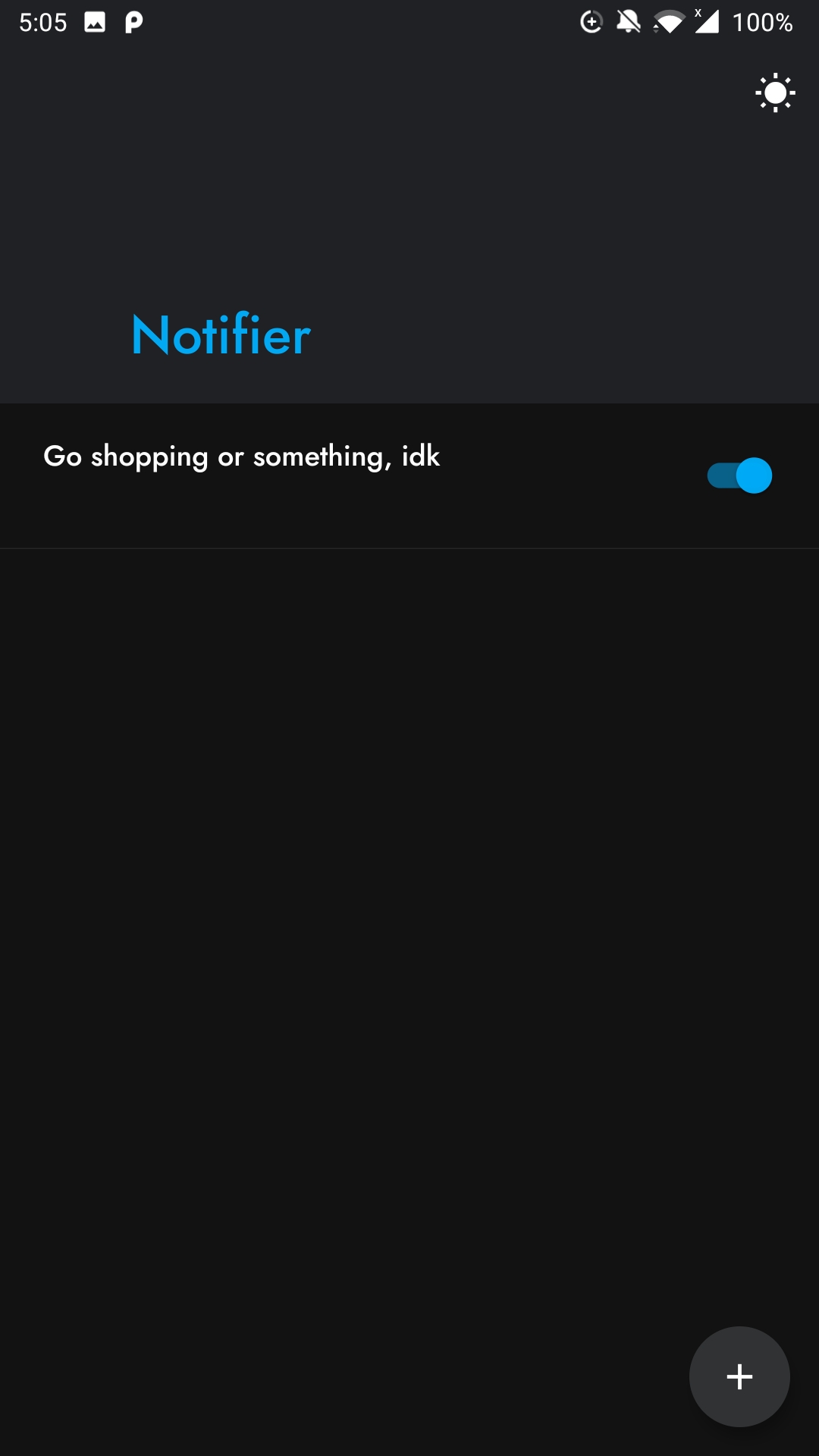
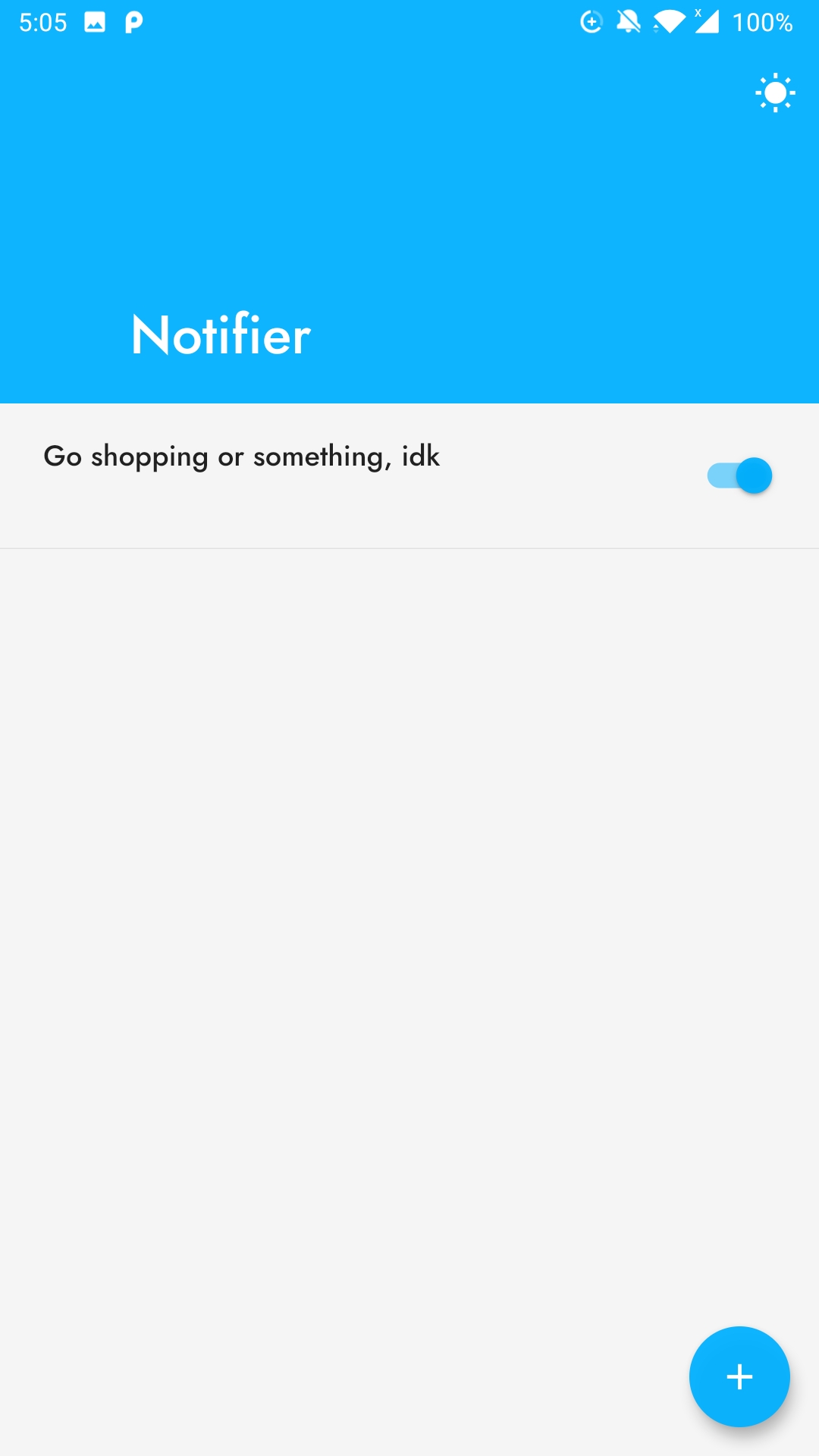
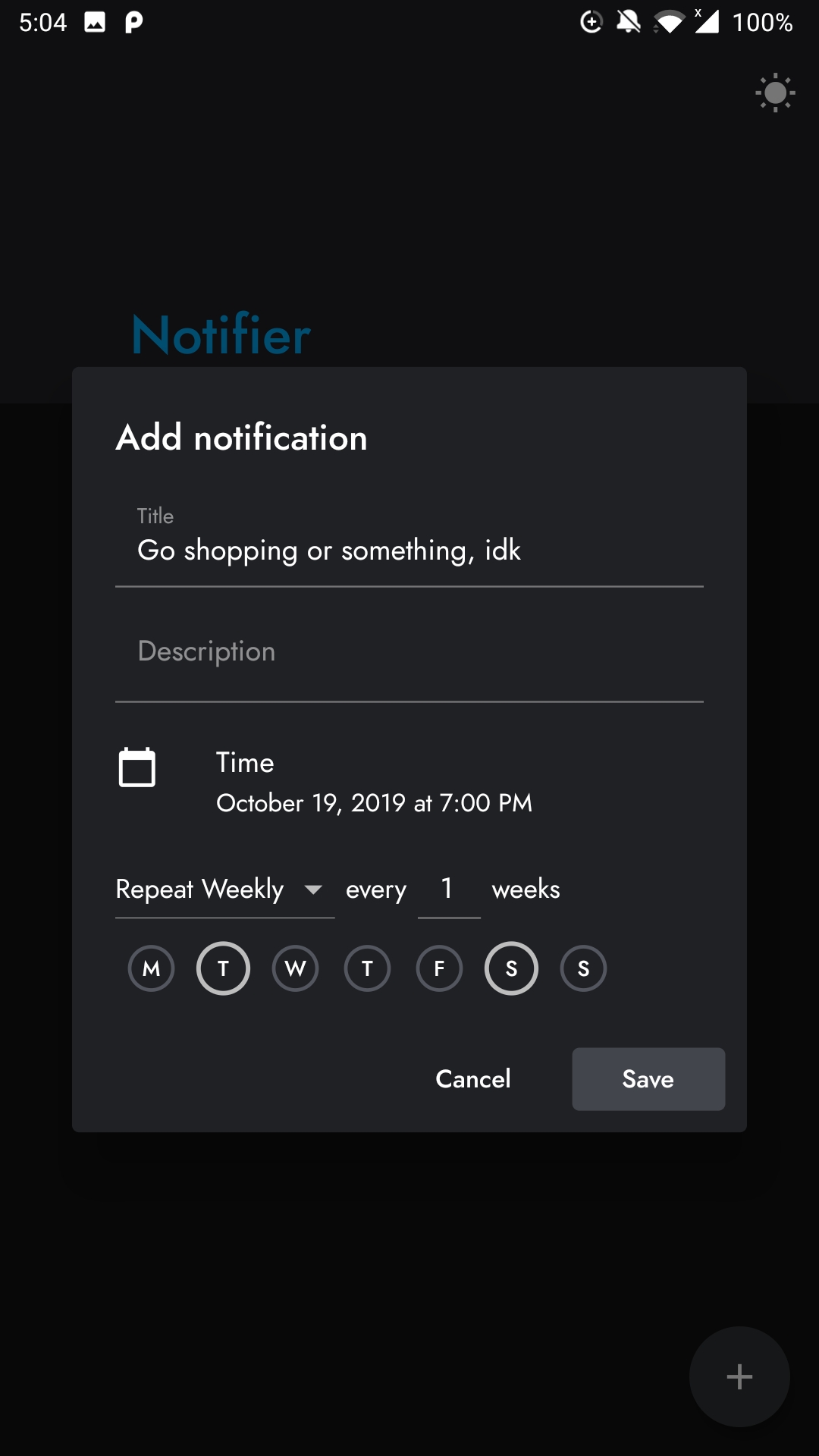
A notification scheduling Android app with support for repeating notifications.
## Getting Started
1. Install Flutter
2. Run `flutter pub get`
## Code signing
Create a `android/key.properties` that looks like this:
```
storePassword=example
keyPassword=example
keyAlias=key
storeFile=/path/to/keystore.jks
```
Follow Flutter's [Android signing guide](https://docs.flutter.dev/deployment/android#signing-the-app) for more details.
### Generate app icon
I used the `flutter_launcher_icons` package for that, so follow [these instructions](https://pub.dev/packages/flutter_launcher_icons).
### Build
Follow [these steps](https://flutter.dev/docs/deployment/android).
### Release new version
1. Update `CHANGELOG.md`
2. Bump the version number in `pubspec.yaml`
3. Run `flutter analyze && flutter test`
4. Run `flutter build apk --split-per-abi`
5. Rename the output files to `notifier-v-.apk`
6. Create a git tag in the format `v#.#.#`
7. Create a GitHub release with the release notes and `.apk`