Click to view preview
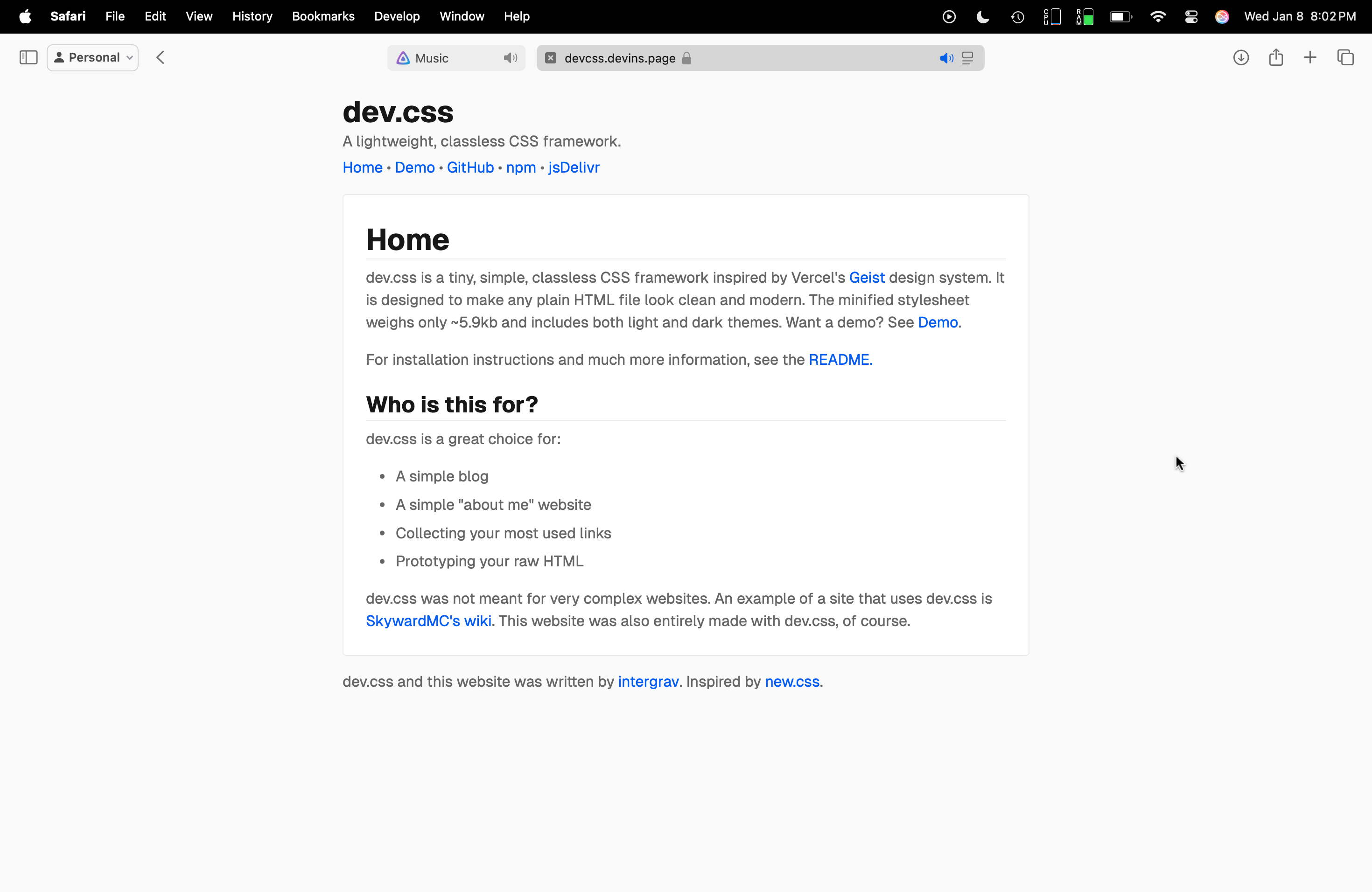


 ```
## Installing
### HTML import
To use dev.css in your HTML, simply add the following line to the `` section of your HTML file:
```html
```
### `npm`, `pnpm`, etc
Another way to install dev.css is to add the npm package to your project through your preferred package manager. This command adds the latest version to your project.
```sh
npm add @intergrav/dev.css
# or
pnpm add @intergrav/dev.css
```
### Importing fonts
You can also load a font from [intergrav/fonts](https://tangled.org/devins.page/fonts) (or anywhere else) if you'd like a consistent font. Geist and Inter fonts work with dev.css out of the box, other fonts will require a theme to be used. If these fonts are not available, the default system/browser sans-serif and monospace fonts will be used, such as Microsoft's Segoe UI or Apple's San Francisco.
## Elements and Structure
dev.css takes advantage of semantic HTML elements. Here are some guidelines on how to use them for the best results.
### Header
It's recommended that you add a header to your page. To add one, place a `
```
## Installing
### HTML import
To use dev.css in your HTML, simply add the following line to the `` section of your HTML file:
```html
```
### `npm`, `pnpm`, etc
Another way to install dev.css is to add the npm package to your project through your preferred package manager. This command adds the latest version to your project.
```sh
npm add @intergrav/dev.css
# or
pnpm add @intergrav/dev.css
```
### Importing fonts
You can also load a font from [intergrav/fonts](https://tangled.org/devins.page/fonts) (or anywhere else) if you'd like a consistent font. Geist and Inter fonts work with dev.css out of the box, other fonts will require a theme to be used. If these fonts are not available, the default system/browser sans-serif and monospace fonts will be used, such as Microsoft's Segoe UI or Apple's San Francisco.
## Elements and Structure
dev.css takes advantage of semantic HTML elements. Here are some guidelines on how to use them for the best results.
### Header
It's recommended that you add a header to your page. To add one, place a `` element as an optional short description of the site. If you want to add a traditional navigation element, you should lay out your `